
Shopify BOGO App
Shopify BOGO app for Buy One Get One and Buy X Get Y
Launch Buy X Get Y campaigns that shoppers can understand before checkout, with clear reward logic, cart prompts, and controls for exclusions, limits, and overlap behavior.
Qualifying confusion
Shoppers add items without knowing if they qualify.
BOGO offers that only reveal the reward at checkout confuse buyers and miss the moment they would have added more.
What shoppers see
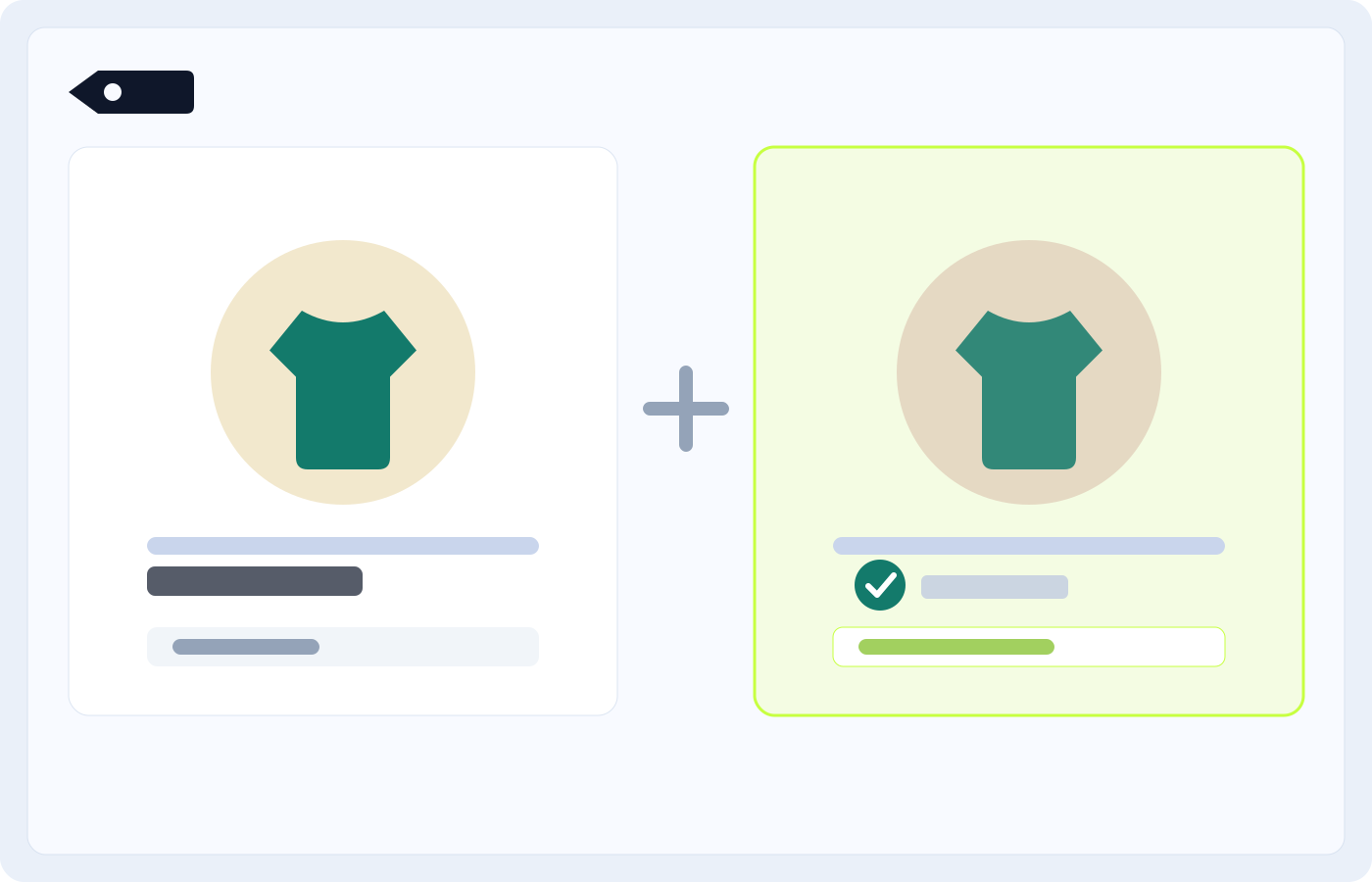
Shopify BOGO App with storefront visibility
Atom Discounts ties the offer rule to the storefront presentation so the promotion is visible earlier and stays connected to the controls behind it.
Configure qualifier scope, reward scope, same-SKU or mix-and-match logic, and quantity rules.
Show product-page or cart messaging so shoppers know what to add before checkout.
Control exclusions, limits, and stacking behavior when other campaigns are live.
When to use it
Pick it when one of these looks like your campaign.
Concrete merchant scenarios where this offer type is clearer and more effective than a generic discount setup.
Second-item incentive
Reward shoppers for adding a second related product without turning the entire collection into a markdown.
Mix-and-match BOGO
Let shoppers buy from a qualifying set and unlock a discounted reward from a different target set.
Clearance attach-rate push
Move selected inventory by tying the reward to a higher-priority qualifying product or collection.
Seasonal cart event
Run a timed trigger-and-reward promotion with limits and exclusions so holiday offers stay predictable.
How Atom handles it
Keep the offer, the message, and the control layer in one system.
Configure qualifier scope, reward scope, same-SKU or mix-and-match logic, and quantity rules.
Show product-page or cart messaging so shoppers know what to add before checkout.
Control exclusions, limits, and stacking behavior when other campaigns are live.
Keep online store and Shopify POS promotion logic under the same application.
Compared with Shopify native
Where Atom gives you more control.
Atom
BOGO logic can stay tied to explicit qualifier and reward sets with storefront visibility.
Shopify native
Basic discount setups are less expressive when offers need richer trigger-and-reward control and earlier storefront messaging.
Atom
Priority, exclusions, and limits keep overlapping promotions from compounding by accident.
Shopify native
Native discount combinations can require more manual guardrails when multiple campaigns overlap.
Atom
Cart prompts can tell shoppers exactly what to add to qualify.
Shopify native
Native discounts usually rely more heavily on checkout-time discovery.
FAQ
What to know before you install.
What is the difference between Shopify BOGO and BXGY?
BOGO is one common Buy X Get Y pattern. Atom Discounts supports broader BXGY logic so the qualifying products, reward products, and quantities can match the campaign you actually want to run.
Can Atom show BOGO messaging before cart?
Yes. Atom can surface qualifying offer copy on the product page and in the cart so shoppers understand the trigger and reward earlier.
Can I stop BOGO offers from overlapping with other discounts?
Yes. Use exclusions, limits, combinations, and priority controls so the intended offer wins without over-discounting the cart.
Docs and install
Read the documentation behind this offer.
Review the core offer categories supported by Atom Discounts.
Start with the offer-creation workflow and required setup steps.
See how overlapping promotions evaluate and which rules protect margin.
Related offer types
Other offers worth comparing.
See where BOGO sits alongside bundles, volume discounts, and gifts.
Use volume pricing when the job is bigger baskets instead of second-item rewards.
Understand overlap behavior before multiple campaigns go live.
A practical guide to structuring BOGO offers that convert without hollowing out margin.