
Atom Discounts
Shopify discount offers matched to the campaign you run.
Atom Discounts helps Shopify merchants pick markdowns, BOGO, bundles, gifts, volume, order, and shipping offers — then decide how they show in the storefront and how they behave when campaigns overlap.
Quick scan
Separate offer type, placement, and control.
Pick the offer path first, then decide how Atom shows it in the storefront and how tightly the campaign needs to be controlled.
Quick routing
Match the offer to the job.
Start from the merchant job. Once the offer type is clear, decide how Atom shows it on the storefront and how tightly overlapping campaigns need to be controlled.
Need simple markdowns?
Use Product Discounts.
Start with direct product or collection markdowns when you need the simplest offer to get started.
See campaign strategiesNeed larger baskets?
Use Buy More Save More, Bundles, or BOGO.
These offer types give shoppers a reason to add more units, complete a set, or unlock a better reward.
See volume discountsNeed conversion or checkout incentives?
Use Gift With Purchase, Order Discounts, or Shipping Discounts.
These are strongest when you want the cart or checkout moment to push the order over the line.
See free-shipping thresholdsNeed complex campaign control?
Use BXGY rules, priority, stacking controls, and discount limits.
Keep overlapping campaigns predictable with clear rules about which offer wins, what can combine, and how far discounts can go.
See discount stackingOffer types
Compare the core offer types Atom gives Shopify merchants.
Scan each offer for what it is best for, what it looks like in practice, and which controls matter when it goes live — then open the details that match your goal.
Product Discounts
Direct markdowns on products or collections, with exclusions, limits, and on-sale handling.
Best for
Simple markdowns, collection promotions, and clean introductory campaigns.
Example
15% off a summer collection, while excluding low-margin SKUs already on sale.
Controls
Product or collection scope, exclusions, on-sale handling, usage limits, and margin controls.
Buy More Save More
Reward larger baskets with quantity or spend tiers that become more valuable as shoppers add more.
Best for
Larger orders, replenishment products, and inventory movement.
Example
Buy 3+, save 10%; buy 5+, save 15%.
Controls
Quantity or spend thresholds, percent or amount discounts, fixed pricing, scope, and exclusions.
Bundles
Group products into a stronger buying decision with curated sets, fixed-price bundles, or exact mix rules.
Best for
Merchandising sets and offers that need a specific product mix.
Example
Build a three-item skincare set for $89, or buy an exact chair and desk pairing at a fixed bundle price.
Controls
Percentage, amount, or fixed-price bundle logic, exact product mix requirements, scope, and exclusions.
BOGO / BXGY
Trigger a second-item incentive when shoppers buy the qualifying item, collection, or quantity you care about.
Best for
Second-item incentives, clearance promotions, and mix-and-match offers.
Example
Buy any two tees, get the third 50% off.
Controls
Qualifier and reward scope, same-SKU or mix-and-match logic, quantity requirements, limits, and exclusions.
Gift with Purchase
Add a free or discounted gift when the cart hits a spend or product rule, instead of cutting deeper product markdowns.
Best for
Checkout incentives, seasonal campaigns, and brand-value-first promotions.
Example
Spend $120 and add a travel-size gift automatically at checkout.
Controls
Qualifying cart rules, gift targeting, quantity limits, reuse rules, and conflict handling.
Order Discounts
Apply order-level incentives when the cart reaches the subtotal or behavior threshold that matters to you.
Best for
Cart-value goals and broad incentives that should apply after item-level offers.
Example
Get 10% off orders over $90 after product-level discounts have been applied.
Controls
Subtotal thresholds, percent or amount discounts, eligibility rules, combinations, and priority-aware behavior.
Shipping Discounts
Use shipping incentives to push shoppers over the line without discounting the products themselves.
Best for
Free-shipping thresholds and margin-sensitive checkout incentives.
Example
Unlock free shipping at $75 with a live progress prompt in the cart.
Controls
Shipping thresholds, channel support, combinations, exclusions, and progress-bar merchandising.
Storefront placements
Choose the offer first. Then choose where shoppers see it.
Atom keeps offer types separate from storefront placements. Once the campaign is chosen, you can decide whether the buying prompt belongs on the product page, in the cart drawer, or inside a shipping-threshold progress pattern.
Product-page messaging gives the offer context before cart.
Cart upsells tell shoppers what to add or spend to qualify.
Shipping progress bars keep free-shipping thresholds visible as the cart changes.
Product Page Offer Messaging
Show the discount before cart so shoppers understand the value earlier.
- Preview exactly how Buy More Save More, bundle, or gift messaging appears on the product page.
- Give shoppers the qualifying rule and the reward before they ever open the cart.
Cart Upsells
Show what to add or spend next to increase basket size.
- Prompt shoppers to add more qualifier items, add target items, complete a bundle, or reach the next tier.
- Use the cart drawer or cart page to show the exact gap between the current cart and the reward.
Free Shipping Progress Bar
Keep the shipping threshold visible to reduce checkout hesitation.
- Run the bar in the header, the mini cart, or both as the cart changes.
- Pair it with shipping discounts so shoppers see the exact threshold and reward.
Campaign controls
Protect margin when campaigns overlap.
Native Shopify discounts and single-purpose discount apps often leave you guessing which offer wins when a cart qualifies for more than one. Atom puts BOGO, gifts, volume, shipping, and product offers under one priority, combination, exclusion, and discount-limit model so the cart stays predictable.
New to this category? Read the buyer’s guide.
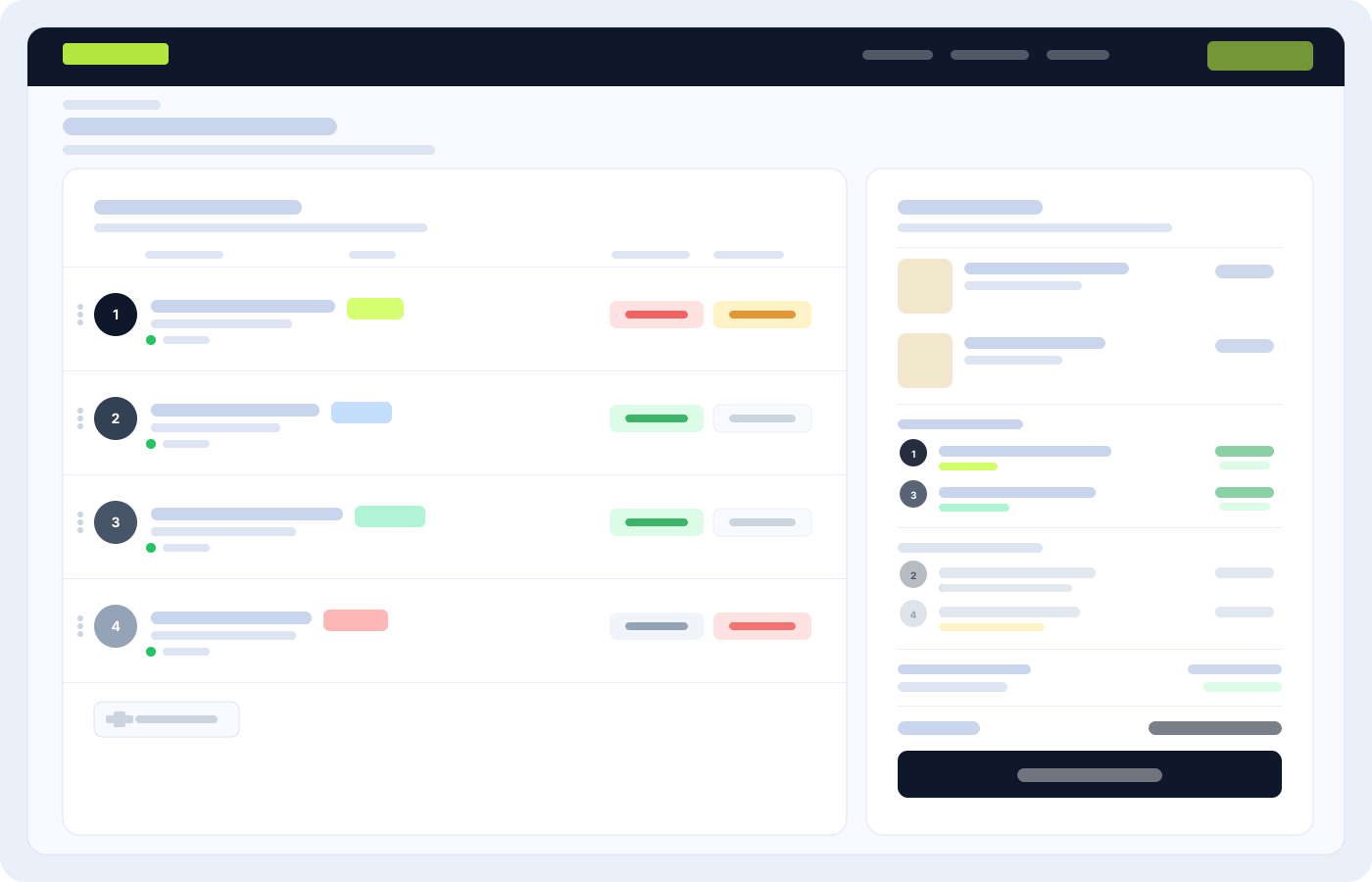
Example: a Buy More Save More tier and a gift-with-purchase offer both qualify — set priority so one wins, or allow both only when the combined discount stays under your cap.
Set priority so the most important eligible offer wins first.
Allow useful stacking and block combinations that over-discount the cart — including against Shopify native automatic discounts when both run.
Protect margin with exclusions, maximum discount amounts, quantity limits, and conflict handling.
Control qualifier reuse and multiple uses per order when one cart action could trigger more than one reward.